Ponyglot documentation
Translate your Django content in the tools your editors already use. Review django CMS and Wagtail translations as drafts, and model translations as suggestions in the Django admin. Nothing is published automatically.
Ponyglot Cloud shares a glossary and translation memory across your pages, app models and sites. Your editors’ corrections become reusable translations. When content changes, only missing or outdated texts need translating, and exact memory matches don’t use your translation allowance.
Start with one page or object: choose your first translation tutorial. During early access, request an invitation if you need an account.
Start with your task
Get your first translated page or model object, review it, and teach the translation memory your preferred wording. Choose the tutorial for your stack.
Request translations, review drafts and suggestions, and find the pages or products that need attention. Start with the guide for your CMS or Django admin.
Protect product names and agree on key terms across all your sites. Add brand voice and reuse the translations your editors have already approved.
See what uses your translation allowance, choose which engines receive your content, and understand where review happens.
Review in your CMS
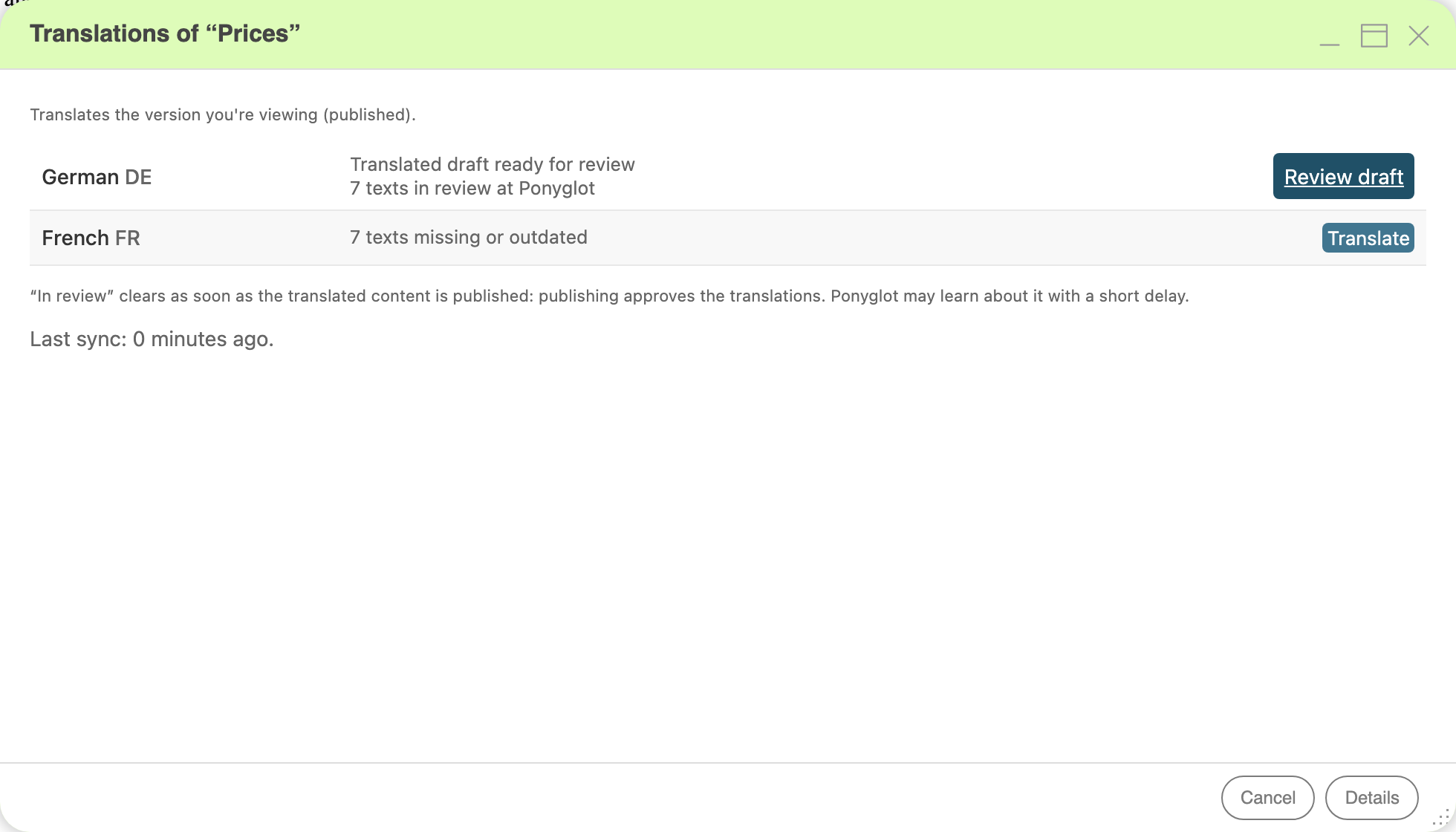
German is ready for Review draft; French is ready to Translate. Open the image for a full-size view of the controls.
Try it on your content
Once you have an account, you can connect a site and import existing content before subscribing. Running a hosted translation job needs a subscription that covers the site; see Manage billing and check usage and the plans and prices.
Start with one page or object and one target language. A developer installs the connector once; editors then translate and review in their CMS or admin. Follow Translate your first django CMS page for django CMS or Translate your first model object for django-parler and django-modeltranslation.
Already connected? See what changes and what is reused demonstrates how an edit affects translation and how approved wording is reused.
For specific settings, commands and permissions, use the Reference.
To integrate through the API or write your own connector, see the developer documentation.
Get in touch
Questions, feedback or problems: write to hello@ponyglot.app. Plans and prices are on ponyglot.app.